
Connect new data sources
We connect new equipment, control systems and sites to PI, with clear names and reliable data flow.
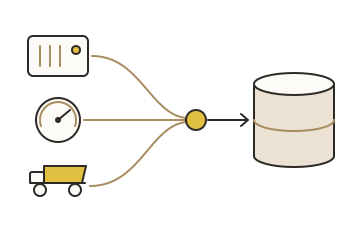
Each new source is a small project, and it often gets rushed.
Tags come in with unclear names, wrong settings or no buffering.
The data looks fine until it is needed. Then the gaps and bad values show up.
02What you get
-
Interface or adapter
The right PI interface or PI Adapter, installed and configured (OPC UA, OPC DA, Modbus, MQTT and others).
-
Buffering
Data kept safe through network or server outages.
-
Tags that make sense
Names, descriptions, units and compression set to your standard.
-
Checked data
Values compared with the source before handover.
-
Documentation
What was connected, how, and how to support it.
03How it works
-
01
Scope
List the signals, the source system and the network path.
-
02
Connect
Install and configure the interface or adapter, with buffering.
-
03
Validate
Compare values and timestamps with the source; close the gaps.
-
04
Hand over
Document it and add it to monitoring.
04Outcomes
-
Data you can trust
Correct values, timestamps and units from day one.
-
Fewer gaps after outages
Buffering holds the data until PI is back.
-
Connections you can support
Documented, standard, easy to troubleshoot.
05A good fit when
- You are adding equipment, a plant area or a new site.
- A vendor system holds data you need in PI.
- Your current connections are unreliable or undocumented.
06Common questions
Which sources can you connect?
Common industrial sources: PLCs and DCS through OPC, PI Adapters, files, databases and other historians.
Do you work with our control systems team?
Yes. Network paths, accounts and change windows are planned with them.
Does it touch the control system?
PI reads from the source. It does not write to it unless you ask for it.
Start a conversation.
Tell us about your PI System and what you need. We will suggest a practical next step.