
Dashboards and reporting
We build the dashboards and automatic reports your teams check every day, on data they can trust, in the tools they already use.
The problem it solves
Monday morning starts in Excel.
Someone collects the numbers, builds the report and sends it, every day or every week.
When that person is away, the report is late, or wrong.
What you get
-
Dashboards
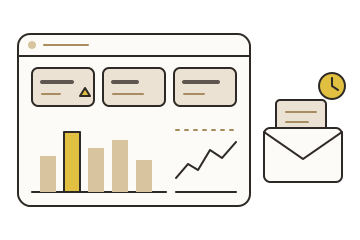
Production, availability, energy, quality and safety, in Power BI, PI Vision or a web page.
-
Automatic reports
Daily production, shift handover, monthly indicators: built and sent on time, in PDF, Excel or email.
-
Plan against actual
Targets kept in one place and compared with what happened.
-
Alerts
A message by email or text when a value needs attention.
-
One definition per indicator
Each indicator defined once: its formula, its source and its owner.
How it works
-
01
Ask
Which decisions each report supports, and who reads it.
-
02
Define
The indicators, their sources and how often they refresh.
-
03
Build
With the people who will use it; numbers checked against the source.
-
04
Automate
Scheduled, watched and documented, so it runs without anyone.
Outcomes
-
Time back every week
Reports build themselves.
-
One version of the numbers
Every report uses the same definitions.
-
Problems seen sooner
Dashboards and alerts show a drift the day it starts.
A good fit when
- Reports are built by hand, from exports.
- Several reports show different numbers.
- Managers ask for data that exists but is hard to reach.
- You use Power BI, PI Vision, or both.
Common questions
Which tools do you use?
Power BI most often, PI Vision for process displays, web pages and OneStop apps, and Excel when it is the right tool.
Can the data come from several systems?
Yes. That is often the point. Data integration brings it together first.
Who maintains the reports?
Your team, with the guide we leave. Or us, if you prefer.
Start a conversation.
Tell us about your data and what you want from it. We will suggest a practical next step.